
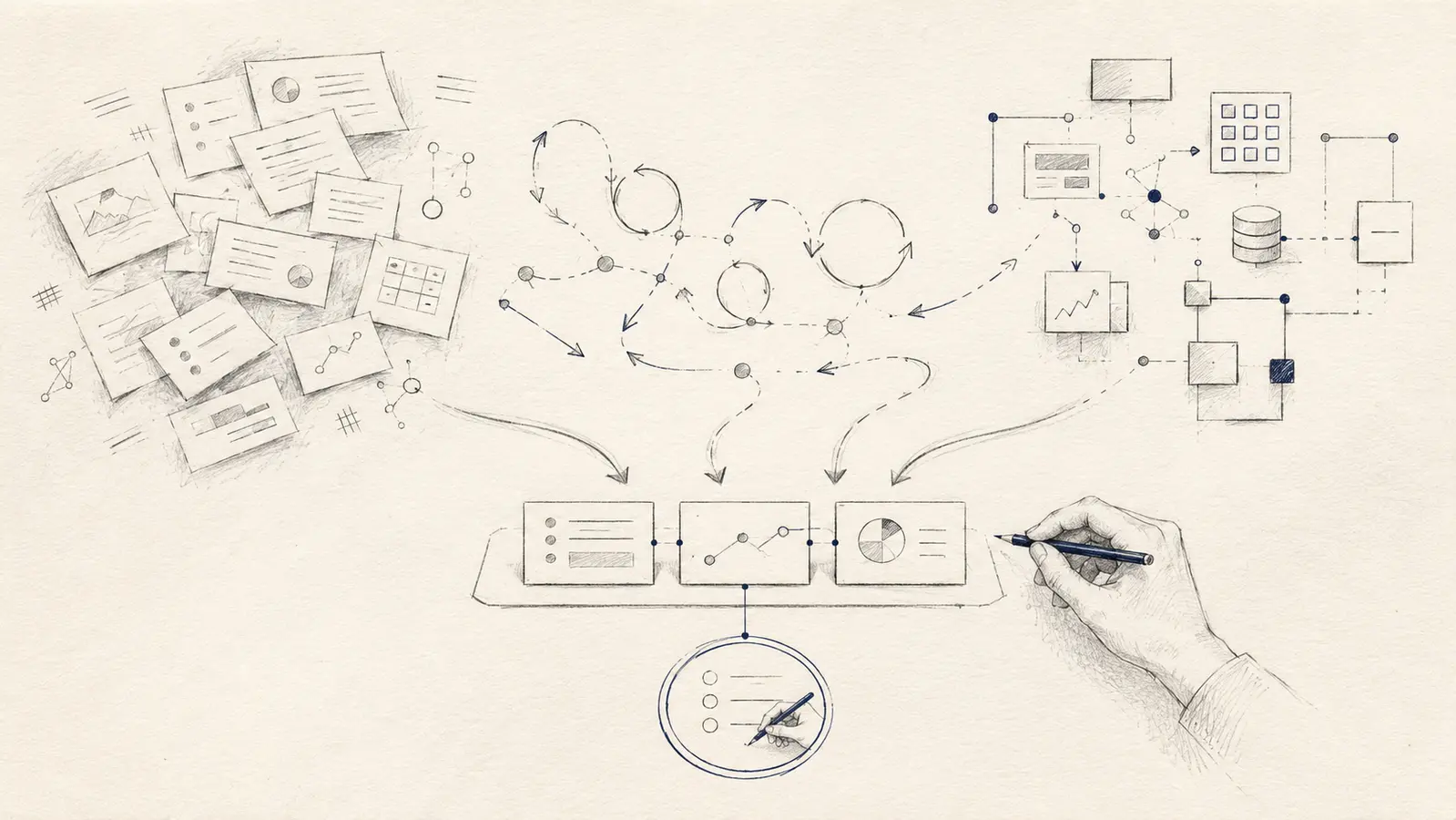
People often begin with a list of tools: a scheduling app, an integration platform, a chatbot or an AI assistant. That makes the decision feel concrete, but it skips the harder question: which part of the work is actually ready to be automated?
The Australian Government’s guidance on digital tools makes a similar distinction. Technology should support a defined goal, total ownership cost matters, and existing tools should be reviewed before another subscription is added. In other words, buying software is not the same as improving a workflow. See the business.gov.au digital tools guidance.
Do not begin with the task you dislike most
The most frustrating task is an obvious candidate, but frustration alone is a poor selection method. A task may be annoying because every case is different, the inputs are incomplete or the rules live only in someone’s head. Automation applied there can turn visible effort into invisible errors.
The first automation should create a reliable improvement, not merely remove keystrokes.
Start by looking at the whole path: what triggers the work, where the information comes from, what decisions are made, what result is produced and what happens next. This is why UZENA’s discovery and design process maps the situation before choosing technology.
Five tests for a good first automation
- 01
Does it happen often enough to matter?
A small saving becomes useful when the workflow repeats. Look for repeated copying, renaming, routing, checking, reminding or assembling — but include the time spent correcting mistakes and chasing missing information.
- 02
Can the normal path be explained?
You should be able to describe the trigger, required inputs, main steps and expected output. The process does not need to be perfect, but “it depends” cannot be the answer to every question.
- 03
Is the information usable?
Automation cannot repair missing records, inconsistent names or inaccessible source material by itself. Organising the information may be the real first project.
- 04
Will failure be visible and recoverable?
A missed notification should be detectable. A wrong record should be traceable. Important actions should have review, retry or rollback paths rather than disappearing into a silent chain of steps.
- 05
Who owns the workflow after launch?
Tools change, accounts expire, forms gain new fields and exceptions appear. A useful automation needs an owner who can recognise drift and decide when the workflow should change.
A simple readiness score
Give each test a score from zero to two: zero means the condition is missing, one means it is partly true, and two means it is clear and proven. This is a prioritisation aid, not a promise of return.
8–10: a sensible pilot
- The path is repeated and understandable.
- Inputs and outputs can be checked.
- Failure has a contained response.
- An owner is available.
5–7: simplify before building
- Map the current steps.
- Standardise the information.
- Reduce unnecessary variation.
- Choose a smaller boundary to test.
A score below five usually means the work is not ready. That does not mean it should never be automated. It means the first useful improvement is probably clearer ownership, better information or a simpler process.
Choose the smallest appropriate level of technology
Use what already exists
A template, saved view, rule or native feature may remove most of the friction without adding another system. If the gap remains important, use the custom software or existing platform framework.
Connect predictable steps
Rules-based automation suits stable transfers, reminders, validation and routing where the correct action is known.
Add judgement carefully
AI may assist with language, images or uncertain classification, but the facts, permissions and consequential actions still need explicit controls.
If the work involves unstructured information or judgement, use the separate seven-question test for deciding whether AI belongs. The Digital Transformation Agency’s current guidance on more autonomous AI systems emphasises defined outcomes, monitoring, human oversight and the ability to intervene or stop activity. Those controls become more important as an automation gains freedom to act. Read the DTA guidance published 4 June 2026.
Three examples at different scales
Personal information workflow: someone saves useful material across email, browser tabs and notes. The first automation may capture items into one review queue with their source attached. Automatic AI summaries can wait until the collection and retrieval path is dependable.
Professional process: a practitioner receives an enquiry, requests missing details and prepares a standard internal record. A sensible first step may validate required fields and create a draft record. Judgement about suitability and the response remains with the practitioner.
Organisational workflow: a team assembles a recurring report from several systems. Deterministic software can gather known figures, flag missing inputs and preserve sources. AI might draft a narrative later, but only from verified information and with review before publication.
These examples are deliberately ordinary. A good first automation proves that the workflow can become clearer and more reliable. It does not need to demonstrate every possible technology.
When not to automate yet
- The purpose or owner of the process is disputed.
- The task is rare and the cost of maintaining automation would exceed the effort saved.
- Inputs contain sensitive information that the proposed tool does not need.
- A mistake could materially affect a person and there is no meaningful review or appeal path.
- The automation would hide a broken hand-off rather than remove it.
- The design assumes an AI system will always be accurate.
The Office of the Australian Information Commissioner advises particular care where AI uses personal information for decisions with legal or similarly significant effects, including checking accuracy, fitness for purpose, limitations and safeguards. Read the OAIC guidance.
Run a pilot that can fail safely
Choose representative cases, including awkward ones. Record the current path before changing it. Decide what success looks like, who reviews the result and how the process returns to manual operation when something fails.
A useful pilot should answer practical questions: Did the work become easier to see? Were errors caught earlier? Did exceptions reach the right person? Is the new process simpler to maintain than the old one? If the answer is no, changing direction is a successful discovery — not a failed technology project.
The decision
Automate the clearest useful workflow, not the loudest technology opportunity.
Find work that repeats, make its normal path visible, protect the exceptions and give someone responsibility for the result. Then choose the smallest combination of existing features, ordinary software, integration and carefully bounded AI that can improve it.
Tell us what you would like to make easierOr explore UZENA’s workflow automation and solution design services.