
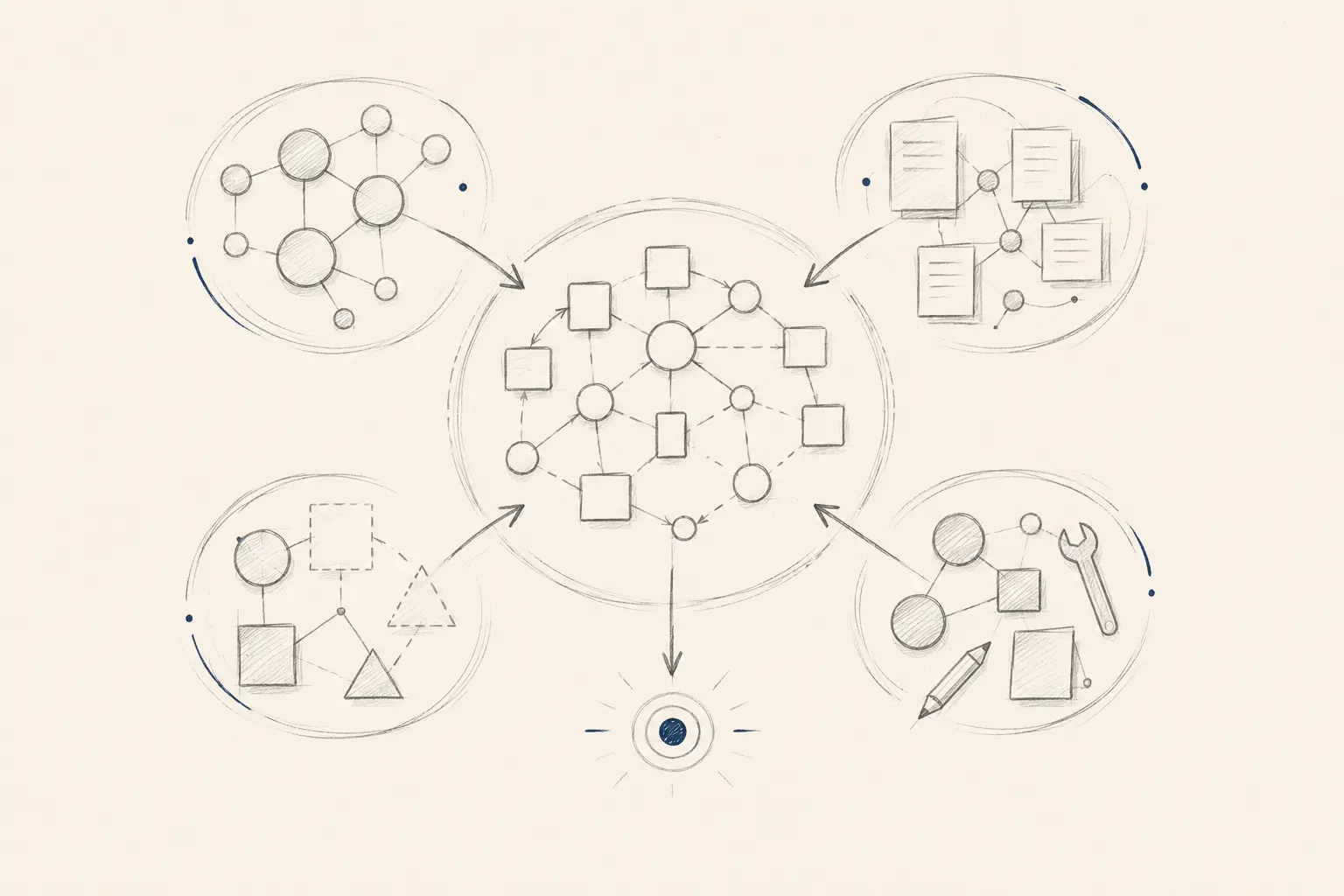
The usual “build or buy” question suggests two clean choices: accept a ready-made platform or commission a completely custom system. Real decisions are less dramatic. An existing feature, a configured platform, a small integration or a focused custom tool may each solve a different part of the same problem.
That matters for individuals organising private information, professionals running a repeatable practice and organisations coordinating work across teams. The right answer depends on the shape of the need, the information involved and who can take responsibility for the solution over time.
Begin with the capability, not the product category
Describe what needs to become possible before comparing vendors or discussing development. “We need a CRM” names a category. “We need one reviewable record of each enquiry, its documents, current status and next action” describes a capability.
This distinction prevents two expensive mistakes: adapting important work to whichever product was demonstrated most convincingly, or building from scratch when a standard tool already solves the essential problem.
The decision is not which software has the most features. It is which approach creates the required capability with the least unnecessary ownership.
Australian Government guidance recommends defining goals and must-have features, checking existing tools, trialling options and comparing total cost of ownership rather than only the purchase price. See the business.gov.au digital tools guidance.
There are four legitimate paths
Use what already exists
A native feature, template or saved view may solve the problem without a new product. This has the lowest change and maintenance burden.
Buy and configure
A proven platform fits the main workflow after sensible configuration. The provider carries much of the product, security and update burden.
Connect and extend
Existing tools remain responsible for standard functions while an integration or lightweight interface handles a specific gap.
Build the capability
Custom software owns the workflow or experience that cannot be achieved responsibly with available products. Maintenance becomes part of the commitment.
A hybrid answer is often the strongest one. A professional practice might keep established accounting and appointment platforms, then add a focused workspace that presents the information needed for a distinctive review process. The custom part should be the valuable difference, not a costly recreation of solved functions.
Six tests for a responsible decision
- 01
Is the need common or genuinely distinctive?
Common needs such as billing, calendars, identity and standard document storage usually deserve a serious search for established products. A distinctive need is not merely a preferred screen layout; it changes an important outcome, control or experience.
- 02
Does an existing platform fit the critical path?
Separate must-haves from preferences. Test the real workflow, including awkward cases, permissions, exports and hand-offs. A product may fit well even if it does not reproduce every current habit.
- 03
Where must you retain control?
Consider data access, workflow rules, integrations, user experience and the ability to change direction. Control has value only where exercising it will matter; elsewhere it creates responsibility without advantage.
- 04
What happens to the information?
Map what is collected, where it is stored, who can access it, how it can be exported and what happens when the relationship ends. These questions apply to purchased and custom systems alike.
- 05
What is the whole-life cost?
For a platform, include licences, configuration, migration, integration, training, workarounds and switching. For custom software, include discovery, delivery, hosting, security, support, testing and future changes. Compare credible scenarios over the period the capability is expected to matter.
- 06
Who will own the result?
A vendor relationship still needs an internal owner. A custom system needs product decisions, maintenance and a response when assumptions or dependencies change. If nobody can carry that responsibility, narrow the solution.
Use a fit-gap-control map
List the required capabilities as rows. For each option, record whether the capability is available, configurable, connectable or absent. Then mark two things that ordinary feature comparisons miss: the consequence of the gap, and whether control of that capability is strategically or personally important.
A gap may be tolerable when
- It affects a preference rather than the outcome.
- A safe manual step remains simple and visible.
- The workflow can adapt without creating confusion.
- The provider offers a credible roadmap or export path.
A gap may justify building when
- It repeatedly blocks an important outcome.
- A workaround introduces material error or privacy risk.
- The capability is central to the service or experience.
- A focused custom boundary can be maintained responsibly.
Do not turn the map into a mechanical score that chooses for you. A single high-consequence gap may matter more than twenty minor features. The map makes the trade-off visible so a person can make the decision.
Counter-cases that change the answer
Do not build merely to avoid subscription fees. A licence is visible; internal support, security updates and future changes are less visible. Custom software can still be the better investment, but only after those continuing responsibilities are included.
Do not buy merely because a platform is established. Maturity does not make a product suitable for every workflow, data sensitivity or exit requirement. Trial the real use case and examine the terms rather than relying on the demonstration.
Do not preserve every current step. If a platform requires a simpler, defensible workflow, changing the process may be wiser than coding old complexity into a new system. UZENA’s discovery process begins by mapping the situation for this reason.
Do not add AI to rescue a poor fit. An AI layer does not remove weak data, missing permissions or an unclear operating model. If AI is part of a purchased or custom system, use the separate test for deciding whether AI belongs.
Privacy and security belong in the comparison
For any option that handles personal information, identify the information flow before deciding. The Office of the Australian Information Commissioner recommends considering whether information is necessary, embedding privacy protections into design and assessing risks early. Read the OAIC guide to securing personal information.
If an existing platform includes AI, vendor selection also needs product-specific due diligence: intended use, testing, limitations, human oversight, security, data access and continuing review. See the OAIC guidance for commercially available AI products.
These are not reasons to prefer custom software automatically. A specialist provider may have stronger controls and operating maturity than a small custom project. Equally, a custom or private tool may create a clearer data boundary for a narrow use case. The evidence must come from the proposed system, not the label attached to it.
Three examples at different scales
Personal information workflow: a person wants to organise research, notes and source documents. An existing application with reliable export may be enough. A private tool becomes more defensible when the required relationships, retrieval method or data boundary cannot be achieved without fragile workarounds.
Professional process: a practitioner needs scheduling, records and a distinctive preparation workflow. Buying the standard administrative functions and building only the preparation view may reduce risk and preserve the part that genuinely needs to work differently.
Organisational workflow: a team needs a consistent view across several established systems. Replacing every platform may be unnecessary. A governed integration and role-specific workspace may create the required visibility while each source system keeps doing the job it already does well.
Run the cheapest test that could change the decision
Before committing, test the most uncertain assumption. Trial the platform with representative work. Prototype the distinctive custom step without rebuilding the surrounding system. Check an export and a permission model. Ask the people who will use the workflow to complete a real scenario.
Define the evidence that would make you stop, narrow or switch paths. This keeps discovery useful even when the initial preference proves wrong. If the question is which workflow deserves attention first, begin with the automation readiness framework.
The decision
Own the difference that creates value — not every layer of software around it.
Start with the capability, test existing options against the critical path, expose the important gaps and compare whole-life responsibility. Then use the smallest combination of platform, configuration, integration and custom software that can deliver the outcome reliably.
Discuss the capability you needOr explore UZENA’s solution discovery and custom software services.